App Design Services: What You Get and What It Costs
Uploaded
16 August, 2026
Read Time
7 Minutes
Views
15 views
What App Design Services Actually Cover
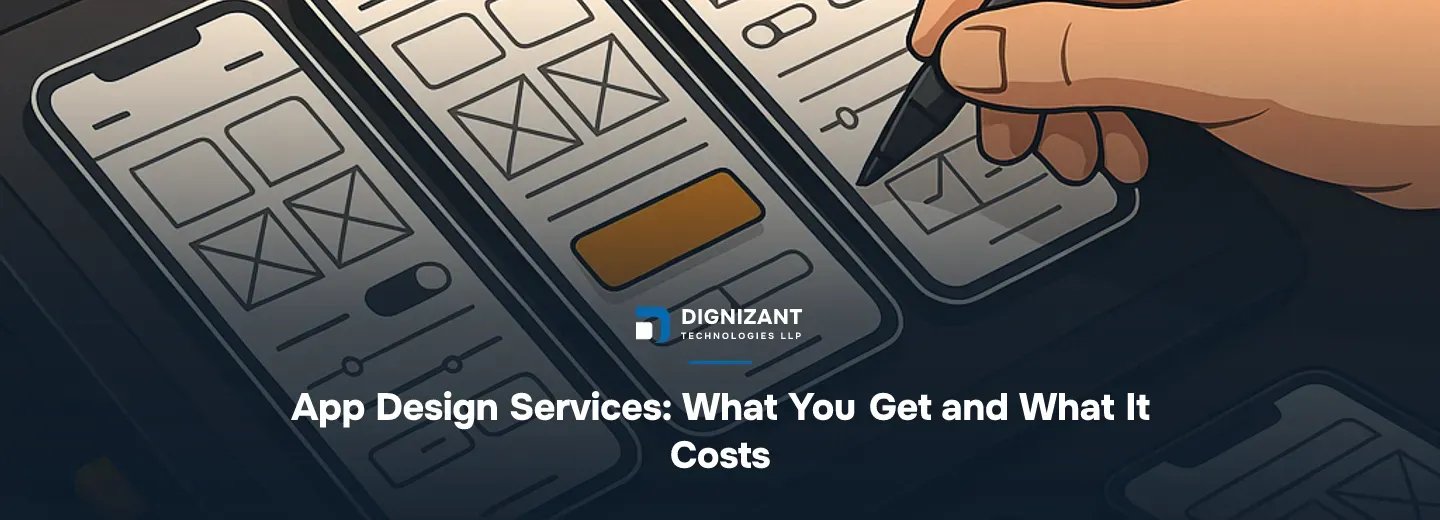
The phrase "app design services" gets used loosely, so it is worth pinning down what you are actually buying. At a minimum, a design engagement covers user interface (UI) design: the screens, components, typography, colour, and layout that users interact with. Most serious engagements also cover user experience (UX) design: the flows, information architecture, and interaction logic that determine whether the app is easy to use.
Beyond that, scope varies. Some agencies stop at high-fidelity mockups delivered as a Figma file. Others take you through user research, competitive analysis, interactive prototypes, usability testing, and a full design system before handing anything to developers. Neither scope is wrong. What matters is matching the scope to your product stage and budget.
The work typically breaks into four phases:
- Discovery - understanding users, business goals, and technical constraints
- Information architecture - sitemap, user journeys, wireframes
- Visual design - high-fidelity screens in a tool like Figma
- Prototyping and handoff - interactive prototype plus developer-ready assets and specs
Some agencies add a fifth phase: usability testing and iteration after a prototype is in real users' hands. That phase is worth paying for if your product is novel or targets users who are not tech-savvy.
Why Design Scope Determines Everything Downstream
Developers build what the design specifies. A vague design produces a product that requires constant rework mid-build, which is the single biggest source of cost overruns in app projects.
A well-specified design file reduces developer estimation error by a wide margin. In our experience, projects that arrive with complete, annotated Figma screens take roughly 30% less time to estimate accurately and produce 40-50% fewer mid-sprint change requests than projects that start with wireframes alone.
This is not an argument to over-engineer the design phase. It is an argument to be deliberate about what you need before handing off to developers. If you are building a mobile app from scratch, a proper design phase is not optional overhead: it is the cheapest form of risk reduction available.
The Nielsen Norman Group, one of the most cited research bodies in UX, has consistently found that usability improvements at the design stage cost an order of magnitude less to fix than the same issues caught after development. That ratio has held up across decades of industry practice.
What a Realistic App Design Project Looks Like
Let us walk through a concrete example: a consumer-facing iOS and Android app with around 20 distinct screens, no existing brand system, and a target audience that has been loosely defined but not formally researched.
Hours breakdown for a project of that scope:
Phase | Estimated Hours |
|---|---|
Discovery and user research | 20-40 hrs |
Wireframes (lo-fi, all screens) | 25-40 hrs |
Visual design (hi-fi, all screens) | 40-70 hrs |
Interactive prototype | 10-20 hrs |
Design system / component library | 15-30 hrs |
Developer handoff and annotation | 10-15 hrs |
Total | 120-215 hrs |
At a competent offshore agency rate, that range works out to roughly $1,200 to $3,200 for the full design engagement. At a mid-market Western agency, the same scope runs $18,000 to $45,000 or more. The gap reflects overhead, timezone convenience, and brand reputation, not necessarily quality.
A more complex project, say a multi-role enterprise app with 60+ screens, a custom design system, accessibility compliance requirements, and rounds of usability testing, could run 400 to 700 hours. At a well-run offshore team, that lands between $4,000 and $10,500. At a premium onshore studio, the same scope is $80,000 to $150,000.
Native App Design vs Cross-Platform: Does It Change the Design Work?
Yes, but less than people expect. iOS and Android have different human interface guidelines (Apple's HIG and Google's Material Design 3 are both publicly documented and actively maintained as of 2026). A designer who knows both will produce platform-appropriate components for each. That typically adds 15-25% to screen-level design hours compared to designing for a single platform.
Cross-platform frameworks like Flutter and React Native blur this further. A single design system can serve both platforms if the designer builds it with platform overrides in mind. This is now standard practice in good design systems work.
If your app is an ecommerce app, platform conventions matter especially for checkout flows, product cards, and payment sheet UI. Users have strong mental models from Amazon, Apple Pay, and Google Pay. Deviating from those patterns without a strong reason increases cart abandonment.
What Separates a Good Design Agency from an Average One
Here are the concrete signals that separate strong from average app design teams:
- They ask about your users before showing you their portfolio. A team that leads with aesthetics before understanding your problem is optimising for their showcase, not your product.
- They deliver a component library, not just screen files. Screens without a reusable component system create developer debt from day one.
- They annotate interactions and edge cases. The empty state, the error state, the loading state: these are where apps feel broken or polished. Good designers spec them. Average ones leave them for developers to improvise.
- They can articulate why. Every layout decision should have a reason rooted in user behaviour or business goal, not just visual preference.
- They involve QA thinking early. The best design teams flag testability during handoff. If your team also uses software testing and QA services, a design that was built with testable IDs and clear state logic will cut QA time measurably.
Our own engineering team's take: the single most common design handoff failure we see is missing states. A Figma file with 30 screens that only shows the "happy path" forces developers to invent UI for errors, empty data, and edge cases on the fly. Those improvised screens are where user trust breaks down.
When to Separate Design and Development, and When Not To
Some teams separate design and development into distinct phases with a formal handoff. Others embed designers within development sprints so design and build happen in parallel. Neither is universally correct.
Separate phases work well when:
- The product concept is new and needs user validation before any code is written
- The team building the product is different from the team designing it
- Stakeholders need to approve visuals before committing to a development budget
Embedded design works well when:
- The product is iterating on an existing version and design changes are incremental
- Speed to market is the priority and early screens are well-understood
- The design and development team have worked together before and have shared tooling
For most greenfield apps, a short but complete design phase before development starts is the lower-risk choice. It costs more upfront but reduces the total project cost.
If your project includes AI or ML features, design complexity increases significantly. Surfaces that surface model outputs, confidence scores, or generative content require specialised UX patterns. Plan for additional hours in wireframing and prototype testing for those screens specifically.
How Long Does App Design Take?
Timeline depends on scope and feedback cycles, not just hours. A 150-hour design project done by a focused two-person team can finish in 3-4 weeks. The same project managed through slow feedback loops and unclear decision-making can stretch to 10-12 weeks.
Rough calendar time by project size:
Project Size | Screen Count | Typical Calendar Time |
|---|---|---|
Small (MVP, one user role) | 10-20 screens | 3-5 weeks |
Medium (multi-role or multi-platform) | 25-50 screens | 6-10 weeks |
Large (enterprise, full design system) | 60+ screens | 12-20 weeks |
The single biggest schedule risk is stakeholder availability for reviews. If the person who approves designs is available once a week, you will spend two weeks on work that takes two days.
Common Mistakes Buyers Make When Hiring for App Design
- Hiring on portfolio aesthetics alone. Visual style is learnable and subjective. Process, communication, and delivery reliability are what actually determine project outcomes.
- Skipping user research to save budget. Research on 5-8 representative users typically takes 15-25 hours and costs a fraction of a single sprint of rework caused by a wrong assumption about user behaviour.
- Treating design as a one-time phase. Successful apps iterate their design continuously based on usage data. Build a relationship with a design partner, not just a one-off vendor.
- Not specifying ownership of assets upfront. Some agencies retain IP in source files. Clarify in writing before the project starts that you own the Figma files, illustrations, and any custom iconography.
- Conflating responsive web design with mobile app design. They share principles but differ significantly in navigation patterns, gesture interactions, and platform conventions. A web-first designer is not automatically a strong mobile app designer.
Work With Dignizant on Your App Design
Dignizant builds and designs software products for clients who need a team that covers both disciplines without a handoff gap. Our team works across mobile app design, full mobile app development, ecommerce app development, and the supporting quality work that makes products ship reliably. If you have a project in scope and want a straightforward conversation about what it will take, reach out to Dignizant and we will give you a plain assessment, not a sales deck.
Latest Articles

Hire an OTT platform development company that builds streaming apps across web, mobile and TV. See scope, cost bands, timeline and how to vet a vendor.
What Flutter app development actually costs, what changes the price, and how to hire the right team. A clear, current pricing guide.

A current guide to digital wallet app development: features, security, timeline, and real cost bands for startups and businesses building one.
FAQs
Ready to Start Your Project?
Talk to our team about turning this into a real, working product.







