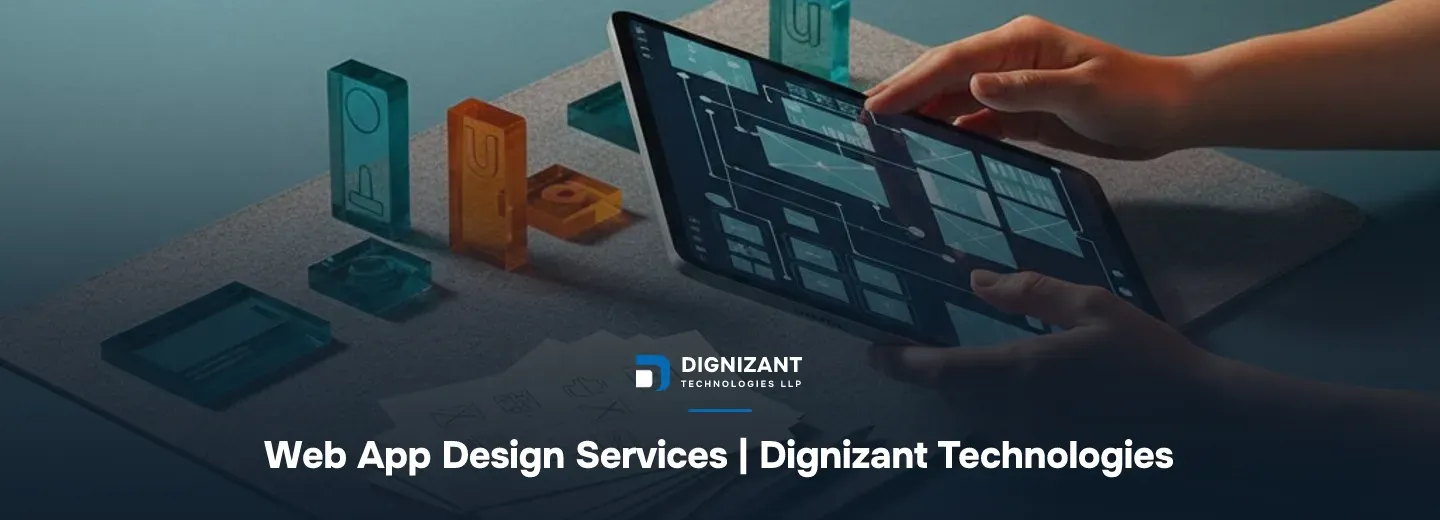
Web App Design Services | Dignizant Technologies
Uploaded
14 hours ago
Read Time
7 Minutes
Views
3 views
Web app design is the work of figuring out how your application should look, flow, and feel before (and while) it gets built. It is not the same as building a marketing website or slapping a theme onto a template. If you are searching for web app design services, you are probably one of three people: a founder who needs a working product designed from scratch, a product manager at an SaaS company whose app has grown messy and needs a redesign, or a business owner who has a developer but no designer and the two keep talking past each other.
Dignizant Technologies LLP works with all three. Our design services exist for people who need an application that users can actually operate without a support ticket, and that a development team can actually build without guessing what you meant.
Who this is for
- Startups building a first version of a product and need the UX and UI sorted before a single line of code gets written
- SaaS companies whose existing app has usability complaints, high churn in onboarding, or a UI that looks years out of date
- SMEs replacing a spreadsheet-and-email workflow with a proper internal web application
- Businesses worldwide that already have a development partner (us or someone else) but need the design layer handled by people who specialize in it
What this is not
Web app design is not logo design, not brand identity work, and not a one-page landing site. If you need branding, that is a separate, smaller engagement. If you need a marketing site, that is a different scope with different pricing. This service is specifically about the interface and experience of a functional, logged-in application.
What you get: deliverables and scope
A full web app design engagement at Dignizant Technologies LLP typically produces:
- User flow maps showing every path a user takes through the app, from signup to the core task to account settings
- Wireframes for every screen, low-fidelity first so structure gets agreed before color and type get involved
- A UI design system covering typography, color, spacing, buttons, forms, and components, so the app looks consistent as it grows
- High-fidelity screens for every state: empty states, loading states, error states, and success states, not just the happy path
- Interactive prototypes that click through like a real app, used for stakeholder sign-off and early user testing
- Developer handoff files with specs, measurements, and exported assets, built so a developer never has to ask "what did you mean by this spacing"
What is explicitly not included by default: backend architecture, database design, and QA testing. Those are real, necessary parts of shipping a product, and we offer them, but they are scoped and quoted separately. If you want testing folded into the same conversation, our Software Testing & Quality Assurance Services team works directly with the design team so the handoff is clean rather than a wall thrown over to another vendor.
How the engagement runs
The five stages
- Discovery (3 to 7 days). We talk to your actual stakeholders, look at any existing product or spreadsheet workflow, and define who the users are and what they are trying to get done. For a redesign, this stage includes an audit of the current app and a list of what's actually broken, not just what looks dated.
- Design (2 to 6 weeks). Wireframes first, reviewed with you before we touch color. Then high-fidelity UI design, screen by screen, with scheduled check-ins rather than a single big reveal at the end.
- Prototype and validation (1 to 2 weeks). A clickable prototype goes in front of a handful of real or representative users if the project warrants it. Problems found here cost a design revision; the same problems found after development cost a rebuild.
- Build handoff (ongoing through development). Designers stay available during development to answer questions and review implemented screens against spec. This is where a lot of agencies disappear, and it is where most of the "that's not what we designed" complaints come from when they do.
- Launch and support. Post-launch, we track early usage friction and do light design iteration based on what real users actually do, which is usually different from what everyone assumed.
Who you talk to
You get a named design lead as your single point of contact, not a rotating cast. That person coordinates with whoever is doing the engineering, whether that is our own development team or your in-house developers. For projects touching regulated data or payment flows, we loop in people with relevant industry background early. Our Fintech Software Development Company team, for instance, gets involved at the discovery stage when a project needs compliance-aware UX decisions baked in from the start rather than retrofitted.
Our own design team's take: the single biggest cause of expensive rework we see is skipping wireframes to "save time" and jumping straight to pretty screens. Structure problems caught at the wireframe stage take an afternoon to fix. The same problem caught after high-fidelity design or, worse, after development, takes weeks.
What it costs
Pricing for web app design work scales with the number of unique screens, the complexity of the user flows, and how much new UI has to be invented versus reused from an existing system.
A realistic range for a project built out at a genuine $10 to $15 per hour engineering-equivalent design rate:
Project type | Typical screen count | Estimated hours | Cost band |
|---|---|---|---|
Small MVP (single core workflow) | 8 to 15 screens | 80 to 150 hours | $800 to $2,250 |
Standard SaaS app (dashboard, settings, billing, core features) | 20 to 40 screens | 180 to 350 hours | $1,800 to $5,250 |
Complex platform (multiple user roles, admin panels, integrations) | 40 to 80+ screens | 400 to 700 hours | $4,000 to $10,500 |
Full redesign of an existing large app | 40 to 100 screens | 350 to 650 hours | $3,500 to $9,750 |
What moves the number inside these bands
- Number of distinct user roles. An app with admin, manager, and end-user views roughly triples the screen count compared to a single-role app.
- How much is custom versus a design system you already have. Reusing an existing component library cuts design hours significantly; inventing one from zero adds weeks.
- How many rounds of stakeholder review you need. Two decision-makers who disagree with each other adds real time; one clear decision-maker moves fast.
- Whether user testing is included. Recruiting and running sessions with real users adds 1 to 2 weeks and a few hundred dollars in incentives, but it is usually cheaper than the alternative of guessing wrong.
- Accessibility requirements. Designing to meet WCAG guidelines from the start, rather than retrofitting later, adds some time upfront and saves far more later, particularly if you sell into government, education, or enterprise buyers who require it contractually.
How to judge a provider for this work
Ask any agency, including us, these questions before you sign anything:
- Can I see wireframes before I see colors? If the answer is no, that provider is skipping the step that prevents expensive structural rework.
- Will I get a design system, or just a pile of individual screens? A design system is what makes screen 41 as fast to build as screen 1.
- Do your designers stay involved during development, or do they hand off and vanish? The handoff is where most design intent gets lost if nobody is checking the build against the spec.
- What happens to error states, empty states, and edge cases? A portfolio full of beautiful happy-path screens and nothing else is a red flag. Real apps spend most of their life in messy states.
- How do you handle accessibility? If there is no answer beyond "we'll look at it later," budget for a redo.
- Can I talk to the actual designer, or only an account manager? You want direct access to the person doing the thinking, at least at key review points.
The widely referenced Nielsen Norman Group research on usability has argued for decades that fixing a usability problem after launch costs far more than fixing it in design, which is the entire argument for not rushing this stage to save a week or two upfront.
Proof points worth weighing
Dignizant Technologies LLP structures every design engagement around a named point of contact, a staged review process (wireframe, then high-fidelity, then prototype), and designers who stay engaged through the development build rather than disappearing after handoff. For regulated industries, our fintech-focused team is available from the discovery stage, not bolted on afterward. Testing and QA can be scoped alongside design through our dedicated QA services team, so there is one accountable chain from design file to shipped, tested feature rather than a handoff gap between separate vendors.
Start the conversation
If your app's design is the thing standing between where you are and a product people can actually use without friction, the next step is a scoping call, not a long proposal document. Tell us what you're building, how many screens or workflows you think it touches, and whether you already have developers lined up. We'll give you a real screen count estimate and a cost band within that first conversation, not a vague "let us get back to you."
Reach out to Dignizant Technologies LLP to start scoping your web app design project.
Enjoyed this? Subscribe to our newsletter for more like it, straight to your inbox.
Latest Articles
Web app design services for startups and SaaS teams: UX research, UI design, prototyping, and dev-ready handoff. See process, timeline, and real cost bands.

Hire Dignizant Technologies LLP for a UX audit that finds why users leave and converts more of the traffic you already pay for.
Comparing B2B and B2C ecommerce development: cost, timeline, features, and risk, so you build the right platform for how your buyers actually buy.
FAQs
Ready to Start Your Project?
Talk to our team about turning this into a real, working product.